Modelos de IA
Modelos en la nube con tu propia clave de API
Para obtener respuestas más potentes, añade tu propia clave de API en Ajustes > Modelos en la nube: Google Gemini, OpenAI, Anthropic o cualquier servidor compatible con OpenAI, como OpenRouter, Groq o Mistral.
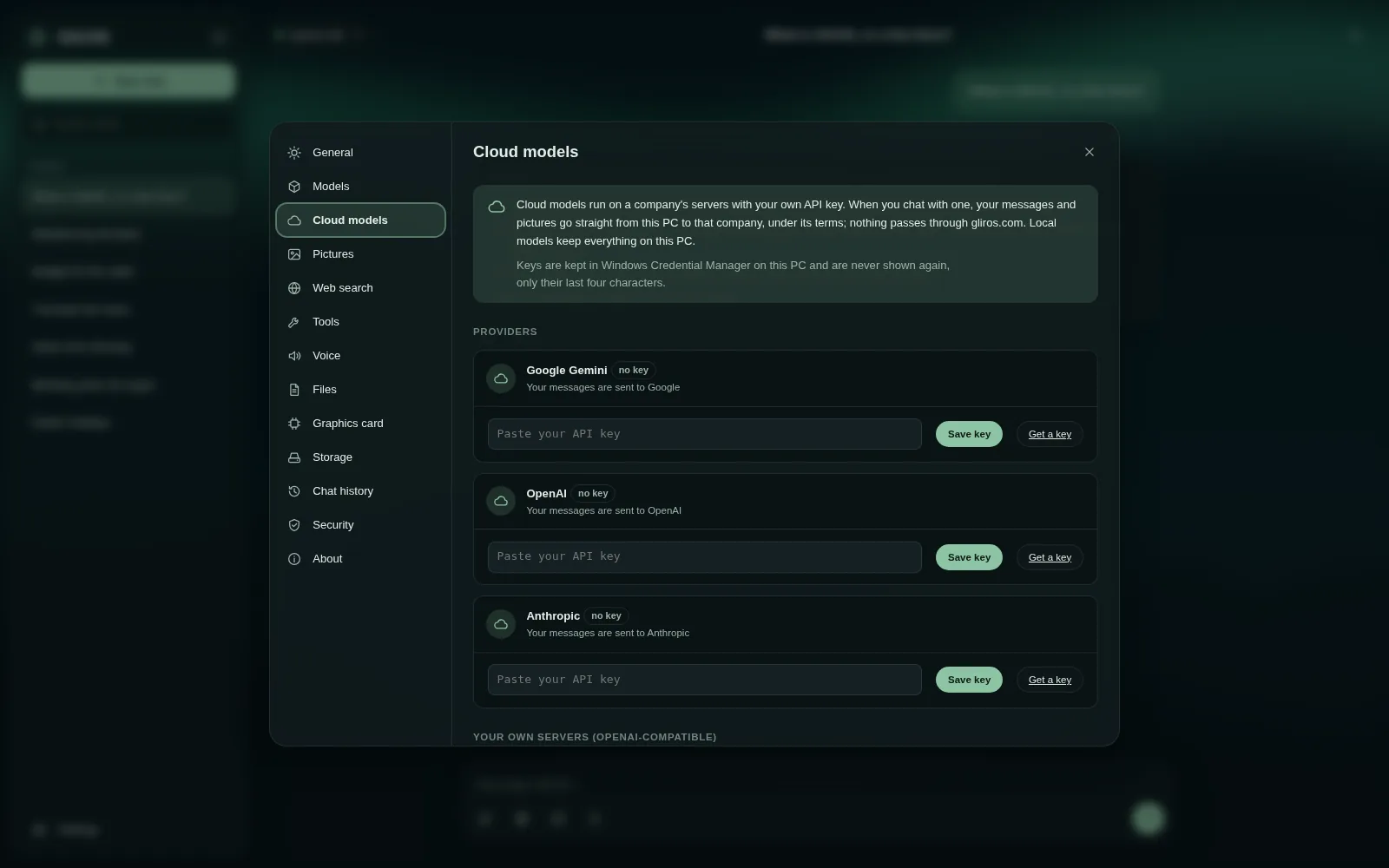
Después activa los modelos que quieras y elige uno en el menú de modelos. La clave se queda en este navegador y nunca se envía a gliros.com. El proveedor cobra en tu propia cuenta.
Capítulos y lo que se dice (en inglés)
- Welcome to GlirOS. In this short guide, we'll connect a cloud model with your own API key, and ask it a question. It takes about a minute.
- When GlirOS opens for the first time, it offers the GlirOS Helper: a small model that runs right here on your device. Today we'll use a cloud model instead, so click: Or use a cloud model with your own API key.
- This is the Cloud models page. One thing worth knowing: with a cloud model, your messages go straight from your browser to that company, never through gliros dot com. And your key stays in this browser.
- Pick a provider. We'll use Google Gemini. Paste your API key here, and click Save key. GlirOS checks the key, and tells you how many models it offers.
- Now choose which models to show in your menu. One is plenty to start with. Flick the switch next to gemini 2.5 flash, then click Done.
- Close settings, and open the model menu at the top. There's our cloud model, with a clear note: sent to Google. Choose it.
- Time for a question. Let's ask: how old is the tram in Oslo? And send.
- The answer streams in. Under it, 'How this answer was made' shows what happened, and the bar at the bottom reminds you that this chat uses a cloud model. GlirOS may also suggest a tool that could have helped, like Timetables here.
- That's it: you've connected a cloud model and asked your first question. Next time, try a local model that runs entirely on your own device. Thanks for watching.
Esta guía es el mismo texto que usa GlirOS para responder a preguntas sobre GlirOS.