Herramientas
Herramientas: el catálogo, activar herramientas y la lista «/»
Las herramientas son pequeñas aplicaciones para GlirOS y los modelos.
Integradas y del catálogo
Capítulos y lo que se dice (en inglés)
- Welcome back to GlirOS. AI models are good with words and bad at counting. For exact answers, GlirOS has tools: small, sandboxed helpers that work things out on your device. Let's switch one on.
- Open Settings at the bottom left, and choose Tools.
- Every tool is off until you switch it on, and a model is only told about the tools you have on. Each one says what it does and how much memory it uses while open.
- We'll take Date and time: days between dates, weekdays, week numbers, the time in any place. Flick its switch, and a few things to try appear.
- Click: How many days until Christmas? It lands in the message box. Send it.
- Watch what happens: GlirOS runs the tool itself, before the model answers, so the number is exact, not guessed. The answer shows the tool it used, and you can open the tool's own panel.
- Here it is in the side panel, ready for your own dates. The model and you can both use it.
- That's tools in GlirOS: off by default, exact when you need them. Thanks for watching.
Integradas:
- Calculadora
- Calculadora avanzada
- Conversor de unidades
- Fecha y hora
- Contador de texto
- Temporizadores y avisos
- Mi calendario
- Mis notas
- el ToolMaker para tus propias herramientas
Del catálogo de herramientas (Ajustes > Herramientas > Más herramientas):
- Traductor
- Teleprompter
- Tiempo
- Divisas
- Diccionario
- Enciclopedia
- Leyes y normas
- Consulta deportiva
- Mercados
- Horarios (Noruega)
- Planificador de viajes
- Mapa (Noruega)
- Gráficos
- Analista de datos
- Galería multimedia
- Creador de sitios web
- Catálogo de código
- Manualidades
- Formas 3D
- Imagen a 3D
- Animación
- Avatares
- Voces
- Circuitos
- SCORM
- Calendario y fiestas
- Dados y azar
- Tres en raya
- Ajedrez
- Diseño de ropa
Activar las herramientas y usarlas
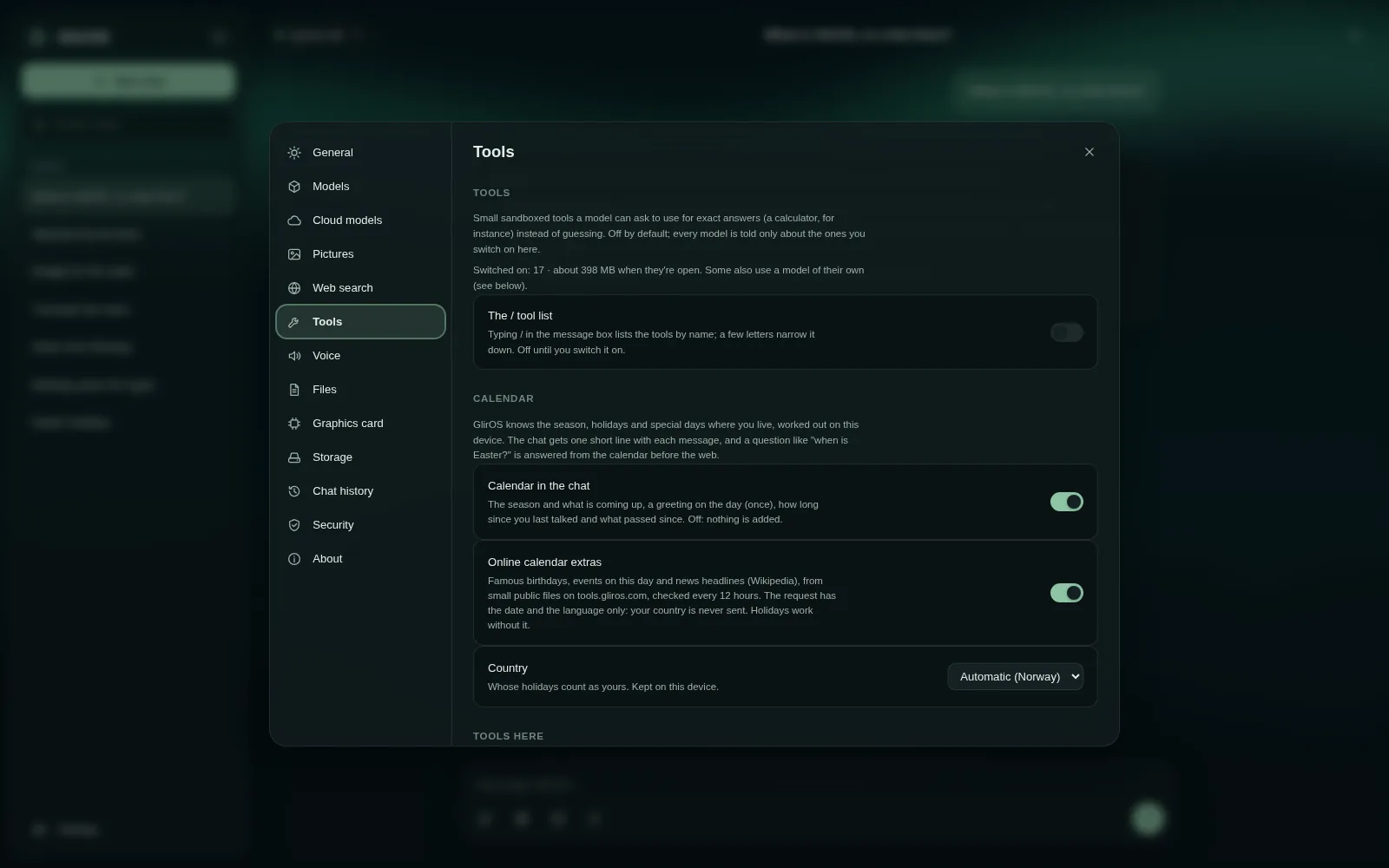
En Ajustes > Herramientas puedes activarlas y desactivarlas; GlirOS ofrece una herramienta desactivada cuando ayudaría. Pide «abre el traductor», o escribe / en el cuadro de mensaje para listarlas (actívalo en Ajustes > Herramientas). GlirOS resuelve por sí mismo las peticiones claras con una herramienta («¿cuánto es el 17 % de 2 350?»).
Alojamientos web
Ajustes > Herramientas > Alojamientos web (aplicación de escritorio): tu propio alojamiento web (SFTP o FTPS) al que el Creador de sitios web puede subir; GlirOS pregunta cada vez y guarda la contraseña en el Administrador de credenciales.
Esta guía es el mismo texto que usa GlirOS para responder a preguntas sobre GlirOS.