Files, code and projects
Translating a whole file, summarising a whole book
Add a file with the paperclip and write "translate this into English" (or "oversett filen til tysk"): GlirOS translates the whole file part by part with the chosen model and keeps its layout.
Subtitles keep their timings (movie.srt becomes movie.nb.srt), Word files stay Word files with their styles, tables and pictures, and Markdown, web pages, JSON language files, CSV tables, XLIFF and text files keep their structure.
PDFs and books
A PDF comes back as a PDF with its layout kept (0.1.12): the same pages, pictures and colours, with the text replaced where it stood, and the text inside pictures and on scanned pages read on this device and written again. Download saves it, and Get it as text instead (or saying "as text") gives Markdown.
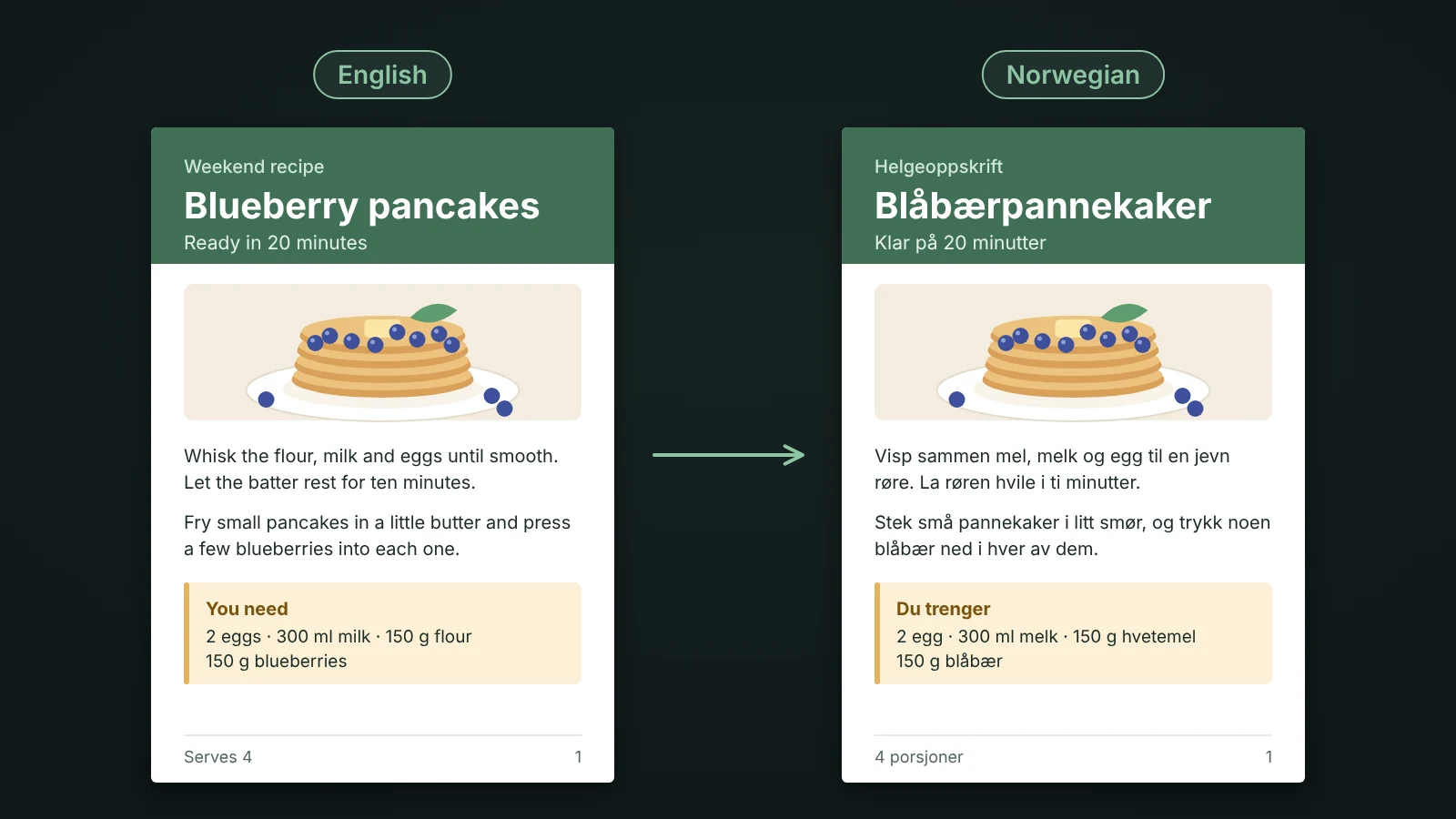
Hand lettering or unsure readings are left as they were, and the Translator tool lists them so you can type your own. EPUB books come out as Markdown text.
Progress and the new file
Translate only what you have the right to translate. A progress line shows the part it is on, and Stop keeps what is done. The new file opens in the side panel and stays in the chat.
Summaries and choosing a model
"Summarise the book" ("oppsummer boka") reads the whole document part by part and writes one summary. With a cloud model GlirOS asks first, since the whole file is sent to the company behind it. Bigger models translate much better than the small GlirOS Helper.
This guide is the same text GlirOS itself uses to answer questions about GlirOS.