AI models
Cloud models with your own API key
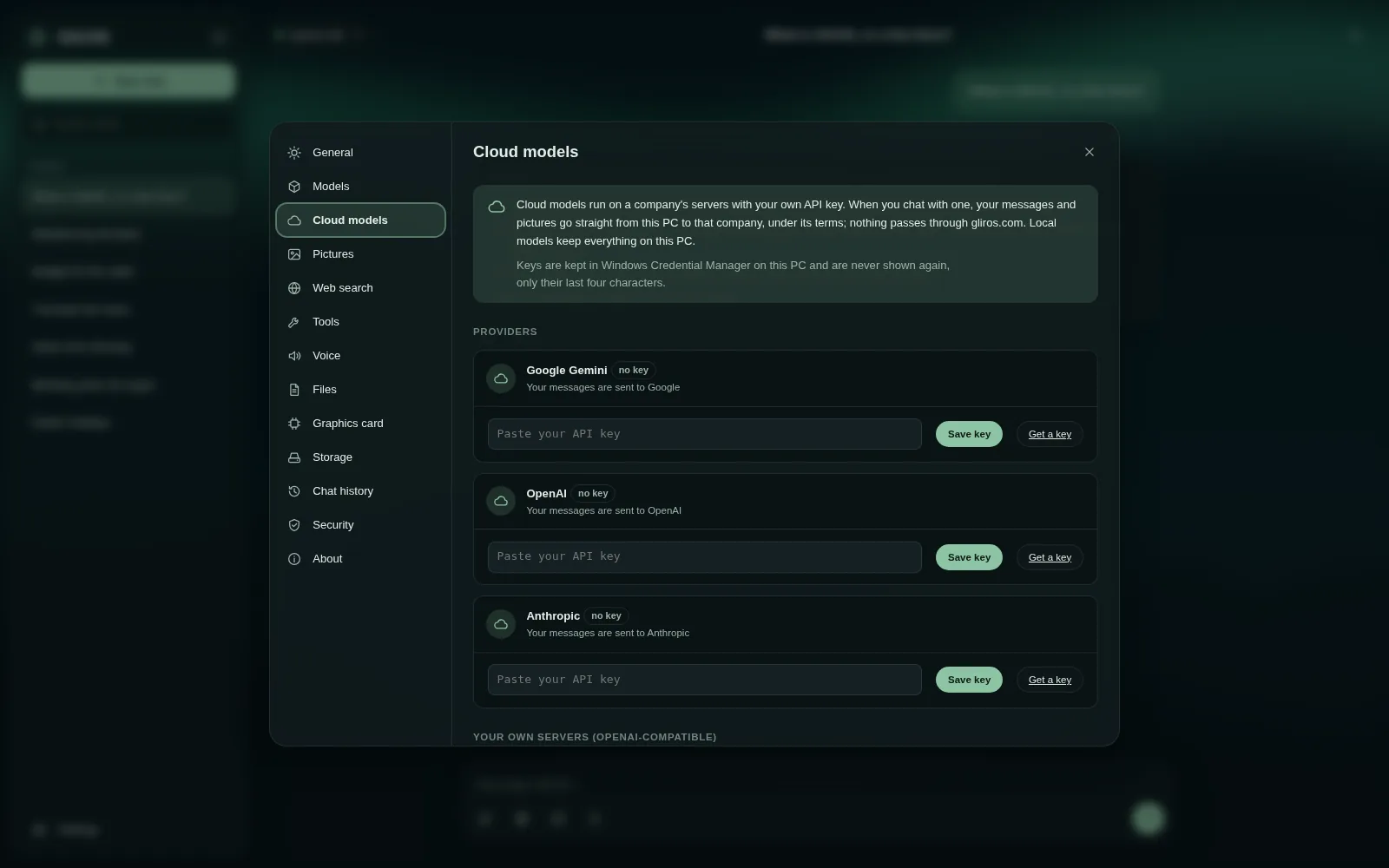
For stronger answers, add your own API key under Settings > Cloud models: Google Gemini, OpenAI, Anthropic, or any OpenAI-compatible server such as OpenRouter, Groq or Mistral. Then switch on the models you want, and choose one in the model menu. The key stays in this browser and is never sent to gliros.com. The provider bills the user's own account.
Chapters and what is said
- Welcome to GlirOS. In this short guide, we'll connect a cloud model with your own API key, and ask it a question. It takes about a minute.
- When GlirOS opens for the first time, it offers the GlirOS Helper: a small model that runs right here on your device. Today we'll use a cloud model instead, so click: Or use a cloud model with your own API key.
- This is the Cloud models page. One thing worth knowing: with a cloud model, your messages go straight from your browser to that company, never through gliros dot com. And your key stays in this browser.
- Pick a provider. We'll use Google Gemini. Paste your API key here, and click Save key. GlirOS checks the key, and tells you how many models it offers.
- Now choose which models to show in your menu. One is plenty to start with. Flick the switch next to gemini 2.5 flash, then click Done.
- Close settings, and open the model menu at the top. There's our cloud model, with a clear note: sent to Google. Choose it.
- Time for a question. Let's ask: how old is the tram in Oslo? And send.
- The answer streams in. Under it, 'How this answer was made' shows what happened, and the bar at the bottom reminds you that this chat uses a cloud model. GlirOS may also suggest a tool that could have helped, like Timetables here.
- That's it: you've connected a cloud model and asked your first question. Next time, try a local model that runs entirely on your own device. Thanks for watching.
This guide is the same text GlirOS itself uses to answer questions about GlirOS.