Pictures, video, 3D and voice
Pictures
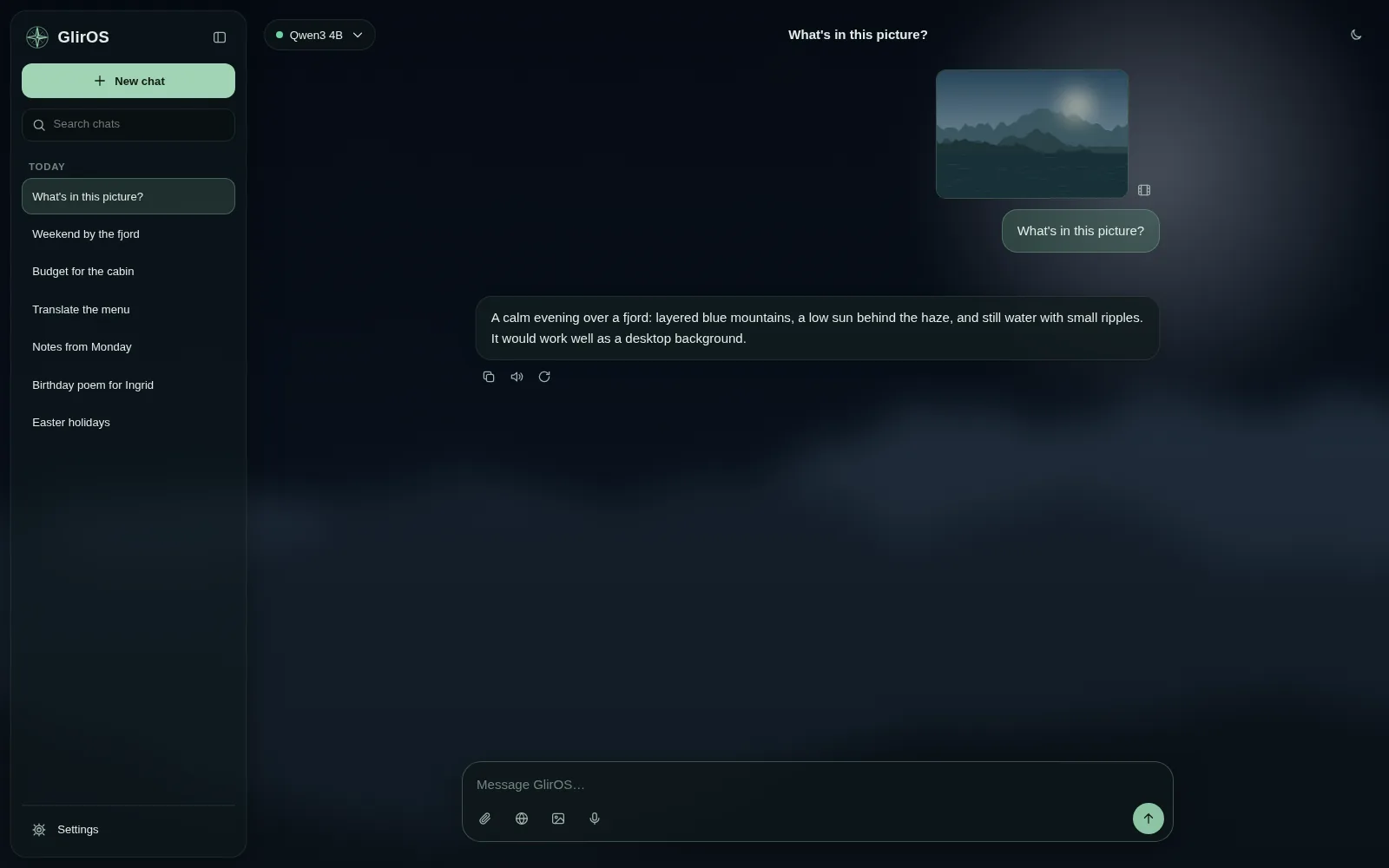
Models that can see pictures (vision models on this PC or device, and many cloud models) take them through the paperclip, by pasting or by dropping a file on the chat. The GlirOS Helper cannot see pictures. Pictures in scans and PDFs are read with OCR on this device.
Replace text in a picture:
- in the Picture tool
- + Add a control > Replace text
- then Find the text
- click a line (or drag over it)
- type the new words
- Replace
Or say it in the chat with the words in quotes: replace "SALE" with "SALG". The old words are taken out and the new ones drawn in their size, colour and angle; Back to before undoes it. In the desktop app it works on a video or a GIF too (Media Studio > One file > Replace text, or the chat with the clip open), also when the text moves with the camera or the sign comes closer or turns a little, and on a picture or clip on the timeline (Add a part > Replace text). Translate, beside the new words, fills them with the found text in this app's language, by the chat's model. Nothing leaves your PC unless that model is a cloud model (it asks first, and only the text is sent).
This guide is the same text GlirOS itself uses to answer questions about GlirOS.