Files, code and projects
Files and books in a chat
The paperclip in the message box (or dragging a file onto the chat) adds a file to the chat: PDF, Word (.docx), EPUB books, text, Markdown, web pages, subtitles, CSV tables and code files, up to about 60 MB.
How GlirOS reads a file
GlirOS reads it on this device and makes a map of it (chapters, pages, headings, functions with line numbers). With every message the model gets that map and the passages that fit the question, so it can answer about a whole book and say where (a page or chapter).
Ask about a part by name, e.g. "chapter 3", "page 45", "line 120" or a function name. Click a file's chip on the message to open it with its map. The file stays with that chat; a scanned PDF without a text layer can't be read yet.
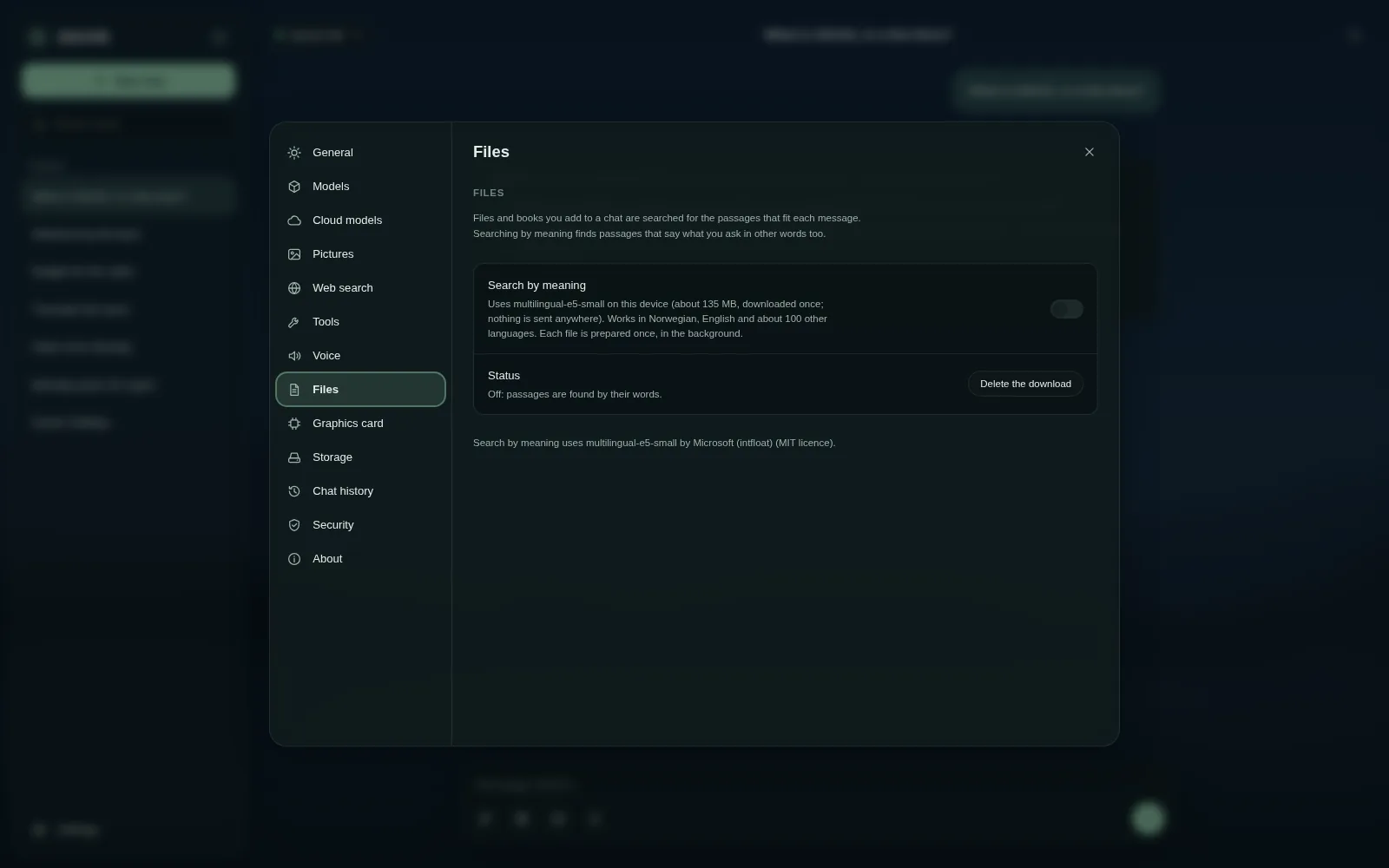
Search by meaning
Search by meaning (Settings > Files, off by default) also finds passages that say what you ask in other words: it downloads a small model (multilingual-e5-small, about 135 MB) to this device once and prepares each file in the background. Nothing is sent anywhere.
PDFs in the side panel
A PDF (0.1.13) is kept as it is beside the chat: it opens in the side panel with two tabs, Overview (its parts, a reader, Ask about this) and Pages (the real pages, zoom, search with the hits marked; "p. 45" in an answer opens it there).
Under a PDF just added: Open, Summarise, Extract text and Translate. "Extract the text" makes a Markdown file of what GlirOS read, with no model; "copy the pictures" puts the PDF's pictures on the answer as PNG files.
This guide is the same text GlirOS itself uses to answer questions about GlirOS.