Files, code and projects
Code: the side panel, versions and the Code catalog
Code in an answer becomes files in the side panel with Preview for web pages. Files and versions keeps each version; edit in the panel and save a new one.
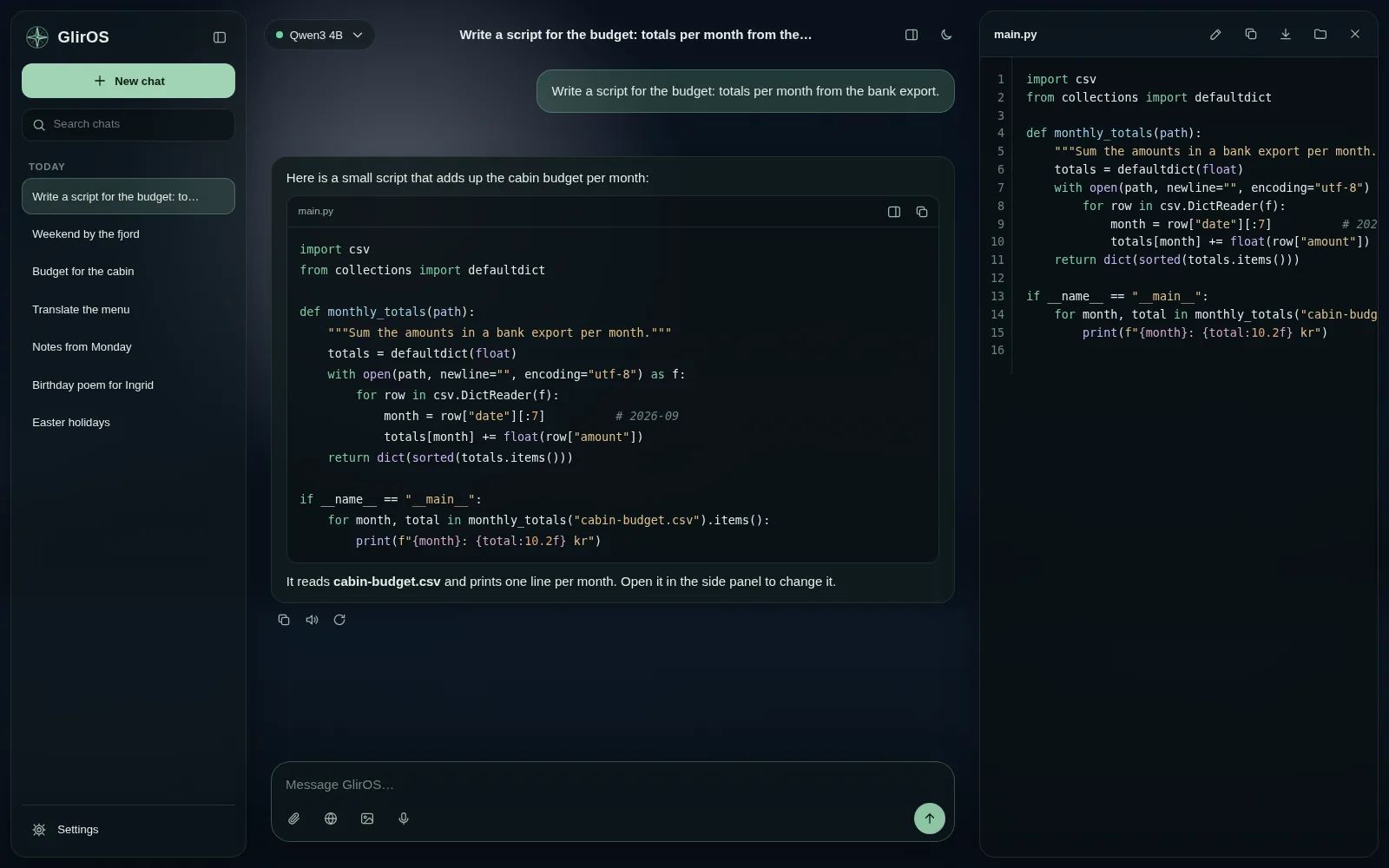
The Code catalog tool has checked, ready-made pieces (layouts, buttons, forms, fetch, SQL, scripts) that the model can put straight into your open files. In a project with a linked folder the model reads and proposes changes to the folder's files, and you apply them.
A page's preview takes the CSS and JavaScript it links (style.css, game.js) from the files shown with it, else from this chat's Files and versions (the newest version), else from the other chats of its project – never from another chat or project.
This guide is the same text GlirOS itself uses to answer questions about GlirOS.