Pictures, video, 3D and voice
Watermarks on videos and pictures
Ask "put my logo on the video as a watermark" (or on a picture): GlirOS puts a picture from the chat on it, by default in the bottom right corner, 15 % of the width and 70 % visible, and keeps it as a new file; your original is never changed.
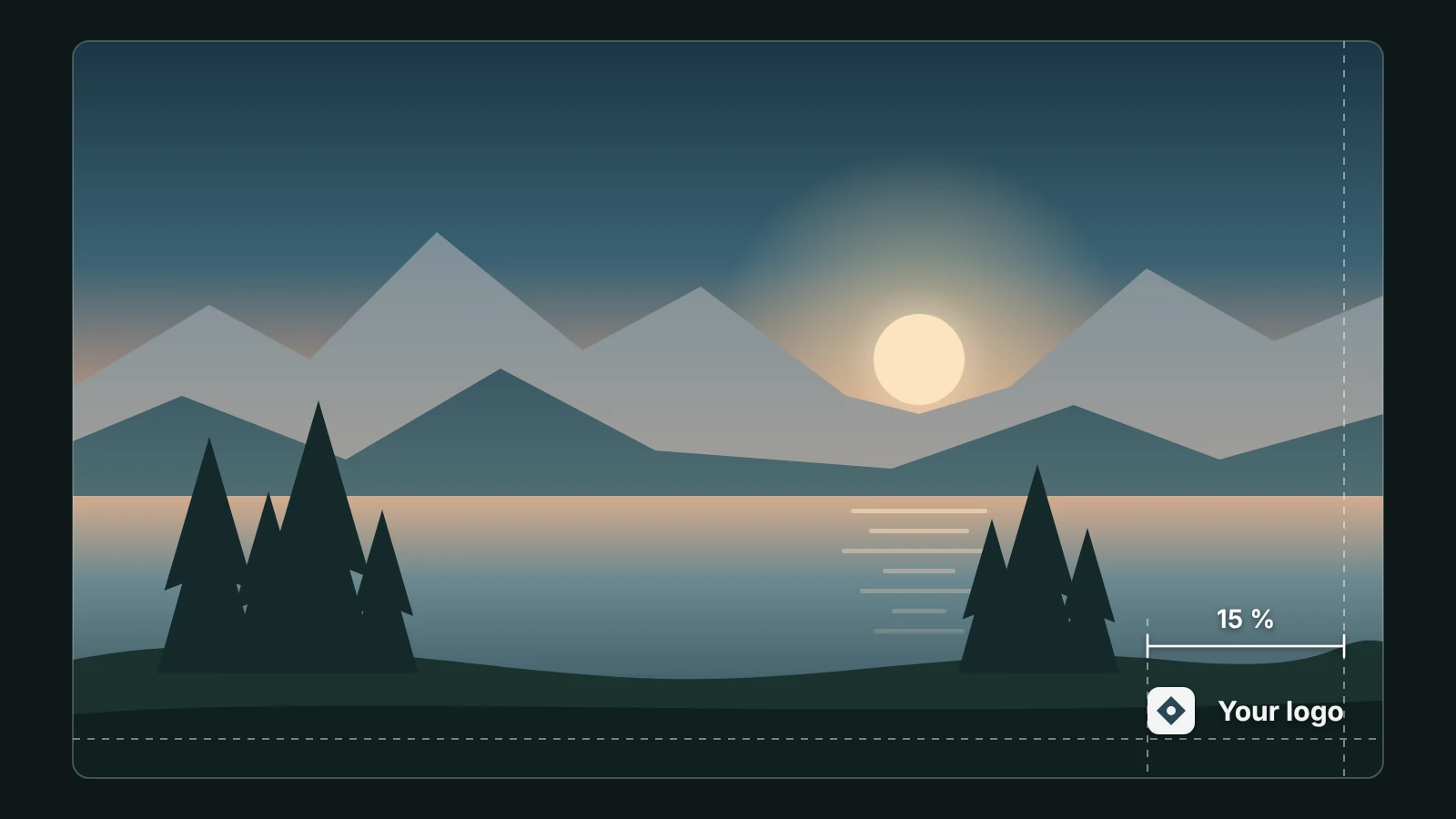
Ask for another place (top left, centre …), size or how see-through, or several files at once. In Media Studio's timeline, Watermark puts a chat picture over the whole video with the same defaults; drag it in the preview, or change its size, see-through and times like any layer.
Text > Title card and Name bar (with Animation switched on) make a title or a name bar and lay it over the clip. A watermark on a video needs the desktop app's media tools or a browser with the light media mode; on a picture it is done at once.
This guide is the same text GlirOS itself uses to answer questions about GlirOS.