How it works
How the desktop app works
One download, no admin rights, and the AI runs on your own PC.
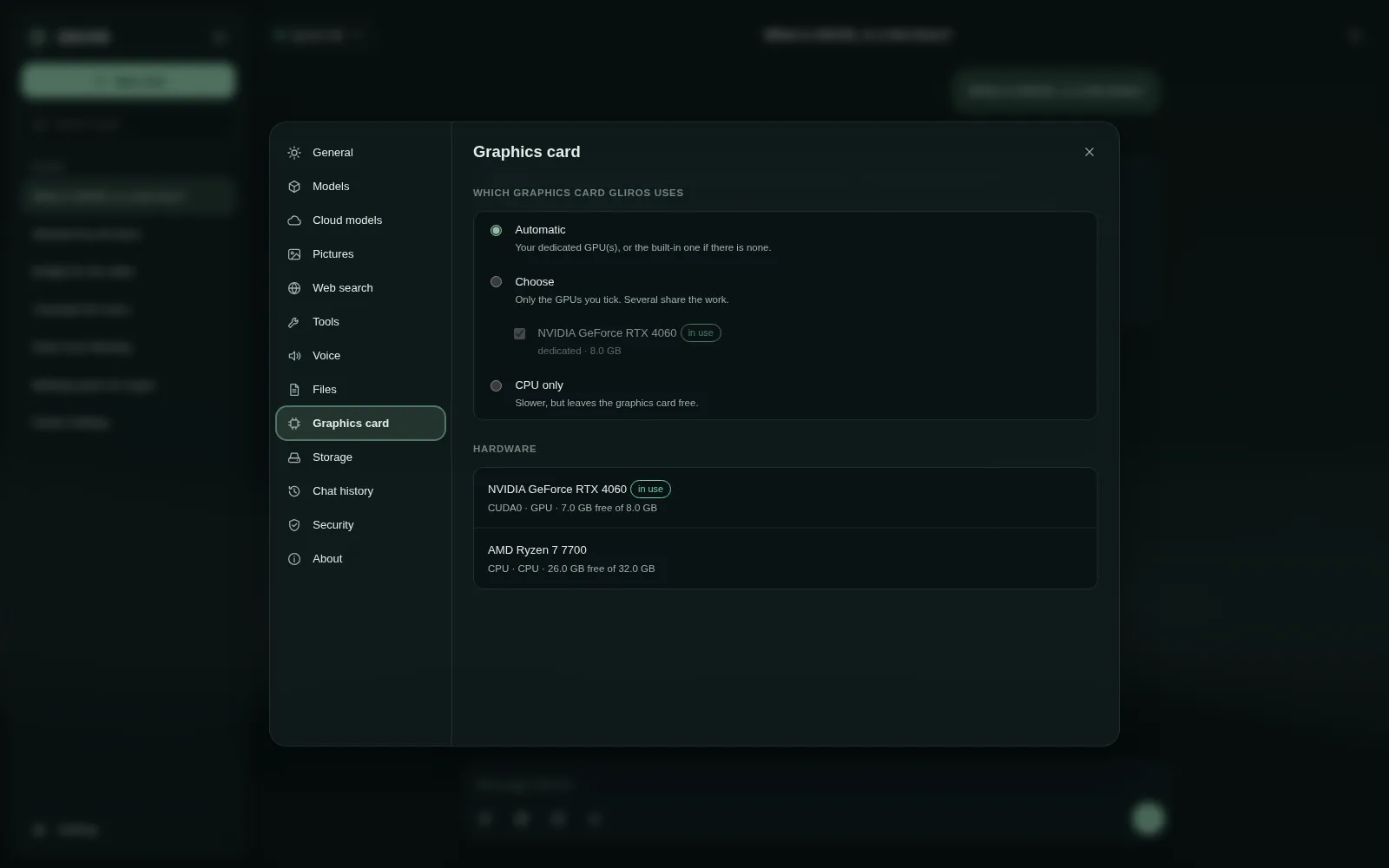
The GlirOS desktop app for Windows is one program file. The first time you start it, it asks to install itself in your own user folder, so it never needs admin rights. Your chats, models and settings are kept in %LOCALAPPDATA%\GlirOS on your PC.
Where the AI runs
The app runs the AI models itself, on your PC, with your graphics card (Vulkan) when it has one and the processor when not. It picks how much memory to use and how long a conversation the model can take in, from what is free on your PC, so you don't have to tune anything. Once a model is downloaded, the app works fully offline.
What it adds to the web version
- Bigger models, faster.
- The media engine (ffmpeg) for every video and sound format and big files, and Media gallery's playable copies.
- The AI add-ons for media: AI upscaler, face enhancer, face swap and face age, each downloaded only when you switch it on.
- Pictures made on your PC, Picture to 3D, natural voices and conversation mode.
- A project folder the models can read, with every change shown to you before it is applied, and a Code workspace whose preview is a real website served by GlirOS.
- Remote access: open GlirOS on this PC from a browser anywhere (see How remote access works).
In the background
Closing the window keeps GlirOS in the tray, so timers, reminders and long jobs carry on, and notifications come from the tray icon (see How notifications work). Choose Quit in the tray menu to end it.
What it sends
Nothing, unless you use something that needs the network: downloading a model, checking the tool catalogue, web search, a cloud model with your own key, sharing a link, or linking the app to your account. Settings > Security > Block all network traffic stops all of it. And you can always see what was sent: under each answer, "How this answer was made" shows what left your device, and a chat's ⋯ menu has What left this device, listing everything the chat sent to a cloud company, a search service or a connector (to whom and what kind, never the words). See How GlirOS checks an answer.