How it works
How the media engine works
Cutting, converting and joining video and sound, on your own device.
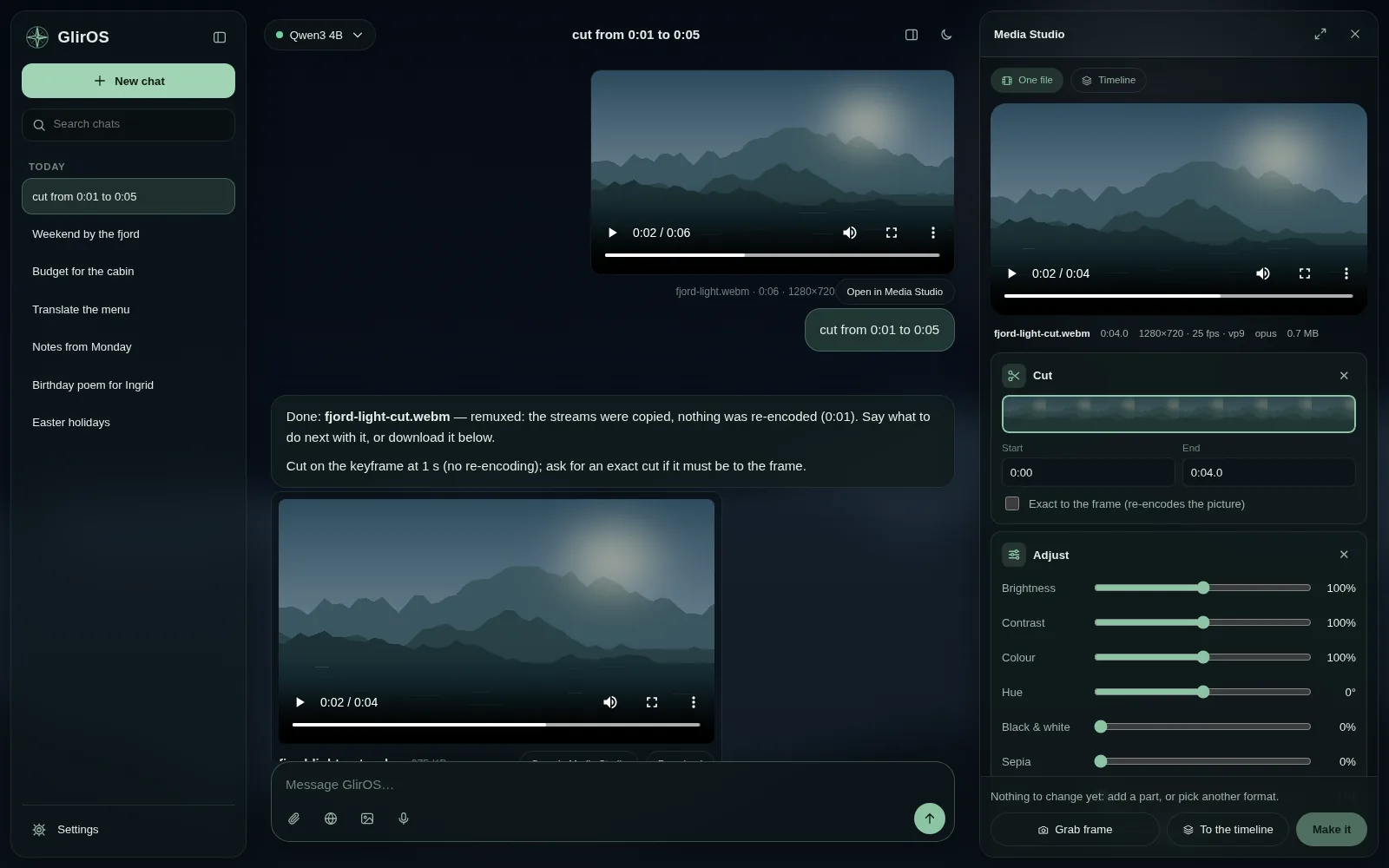
When you ask GlirOS to cut, convert, compress or join video and sound, or use Media Studio, the work is done on your own device. Nothing is uploaded.
Two engines, one set of requests
- Desktop app: ffmpeg, downloaded once when you first need it. It handles every format and large files at full speed, and can remove noise and even out loudness. Clips that match (the same format, size and sound) are joined by copying, in seconds.
- Web version: the browser's own video encoders and decoders (WebCodecs), in "light mode". It handles the common formats. When a browser can't make a format, GlirOS says so plainly and suggests one it can make, or the desktop app.
From the chat or by hand
You can ask in the chat ("cut from 0:10 to 0:40", "make a gif", "join the clips") and GlirOS does it by itself, putting the new file under its answer. Or open Media Studio and do it by hand: trim, crop, effects, effect text, layers and a timeline. See Video and sound.
On the timeline you can crop a clip where it is, even when it is the only one, and move the red line one frame at a time with the bar under the preview. If a file still has changes that aren't made when you move it to the timeline, Media Studio asks first and can make them before it moves.
Long jobs
A long job's bar shows the percent, the time spent and about how long is left, with Pause, Stop and save (keeps what is made so far as a whole file) and Cancel. In the desktop app the tray icon lists every job, and the bell tells you when a job is done, also when you are in another chat (see How notifications work).
The Media gallery
The Media gallery tool shows your folders of pictures and videos as one searchable grid, with titles, descriptions and tags written by a model that sees pictures. In the desktop app the media engine makes small playable copies, so Play works for any video. Nothing in your folders is changed unless you choose to keep the gallery's notes there. See Media gallery.
Where the results go
New files are kept with the chat that made them, and are deleted with it. In the web version they are kept in the browser's private storage and cleared after 7 days unused.