How it works
Tools, and making your own
What a GlirOS tool is, the ToolMaker, the tools SDK and sharing your tool.
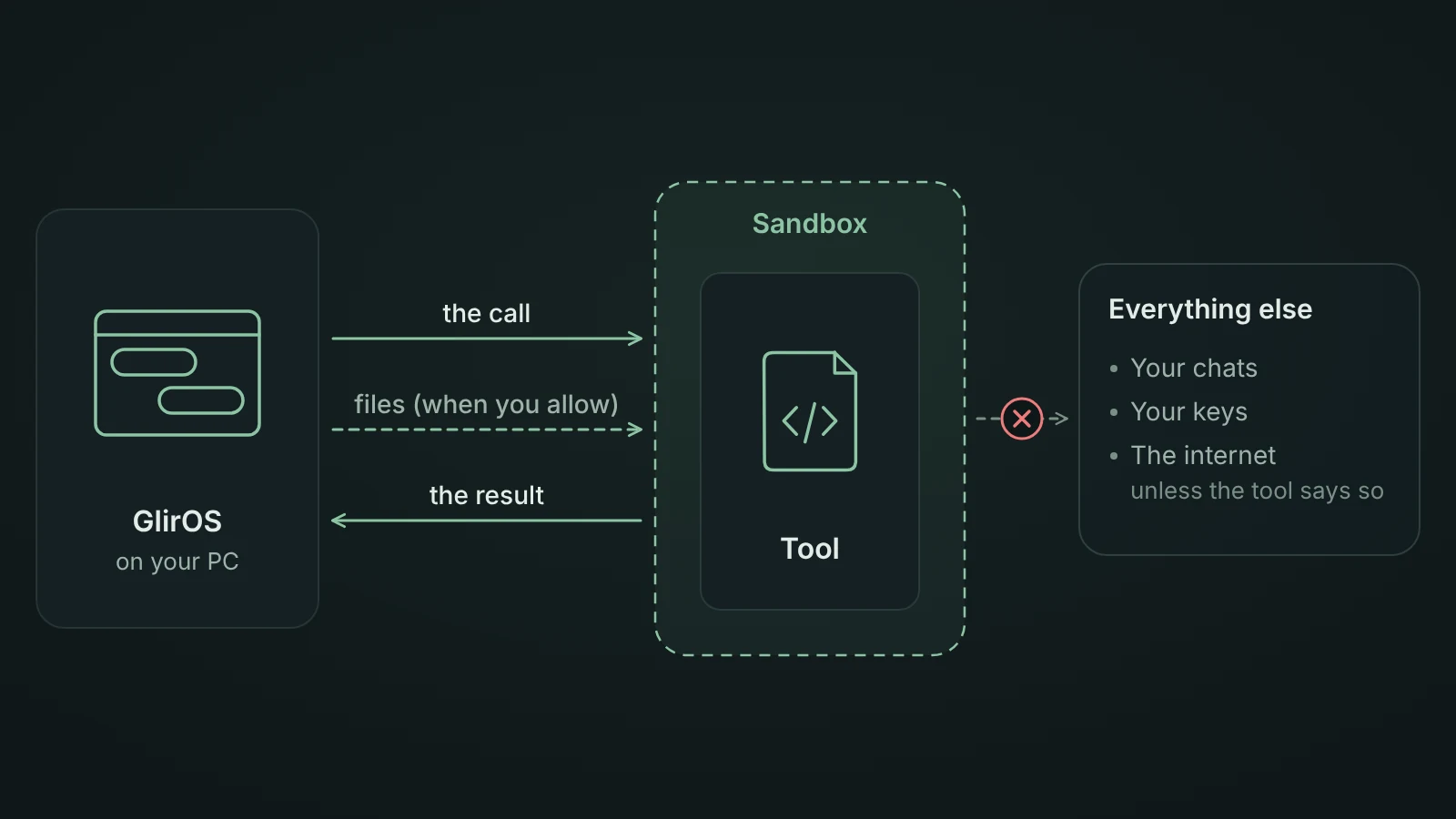
A GlirOS tool is a small web page with a tool.json that describes it: its name, what it can do (its calls), and what it needs. GlirOS shows it in the side panel, and both you and the AI models can use it. See Tools.
Three kinds of tools
- GlirOS's own tools come built in or from the signed tool catalogue (Settings > Tools > Get more tools).
- Community tools are made and hosted by other GlirOS users and listed on community.gliros.com. They are not reviewed by GlirOS. See Community tools.
- Home-made tools are ones you make or copy in yourself. Their names start with
my_.
Community and home-made tools are kept apart from GlirOS's own: they can't share links, can't ask the model on their own, and are off until you switch them on, and GlirOS asks you first. They are for the desktop app.
The ToolMaker
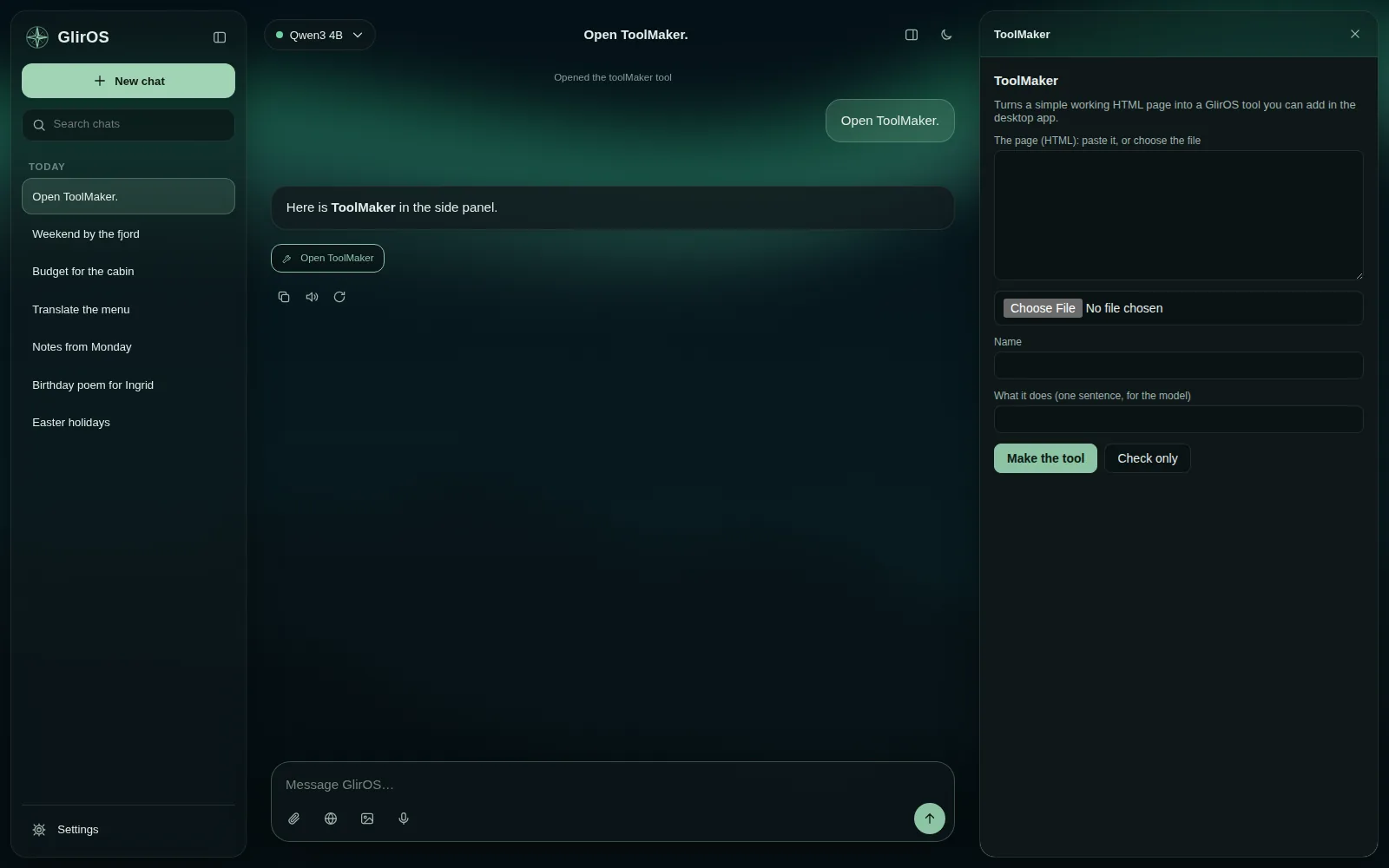
The ToolMaker tool turns a simple web page into a home-made tool and gives you a zip. Ask "make this page a tool" with the page in the side panel.
The tools SDK
For bigger tools there is a developer kit: the tools contract, a quick start, a test harness and a checker. A tool talks to GlirOS through a small GlirOS object: it answers its calls, tells GlirOS what it shows, reads the language and theme, and (for GlirOS's own tools) can ask for downloads. The public guide, Making tools for GlirOS, is on community.gliros.com/tools/guide.
Sharing your tool
Host the tool's zip yourself (on GitHub Releases, for example) and list it on community.gliros.com > Tools > List a tool. The community checks the file once and shows the result item by item. Questions and tips go in the Home-made tools section of the community.
Example prompts
From GlirOS 0.1.5b every tool shows what it can do. Ask "what can the translator do?" and the AI gives a few simple examples; say "more examples" for harder ones. In Settings > Tools, a switched-on tool shows its simple examples as Try: chips, which put the words in the message box and send nothing. For tool makers: add "examples": {"start": […], "more": […], "advanced": […]} to tool.json, with 2–3 requests a user would type in start (one line each, in English, Norwegian and Spanish); the guide has the details.
Notifications
From GlirOS 0.1.0, any tool (GlirOS's own, community and home-made) can tell you that something finished, needs you or failed, also when you're in another chat. The notice always shows the tool's own name, and you decide: switch notifications off for all tools, for one kind or for one tool in Settings > Notifications, or straight from a notice in the bell's list. See How notifications work. For tool makers: put "notify": true in tool.json and call GlirOS.notify only when it is there; the guide has the details.