Chatting
Chats and the sidebar
Chats are listed in the sidebar, newest first; the search box finds words in titles and messages.
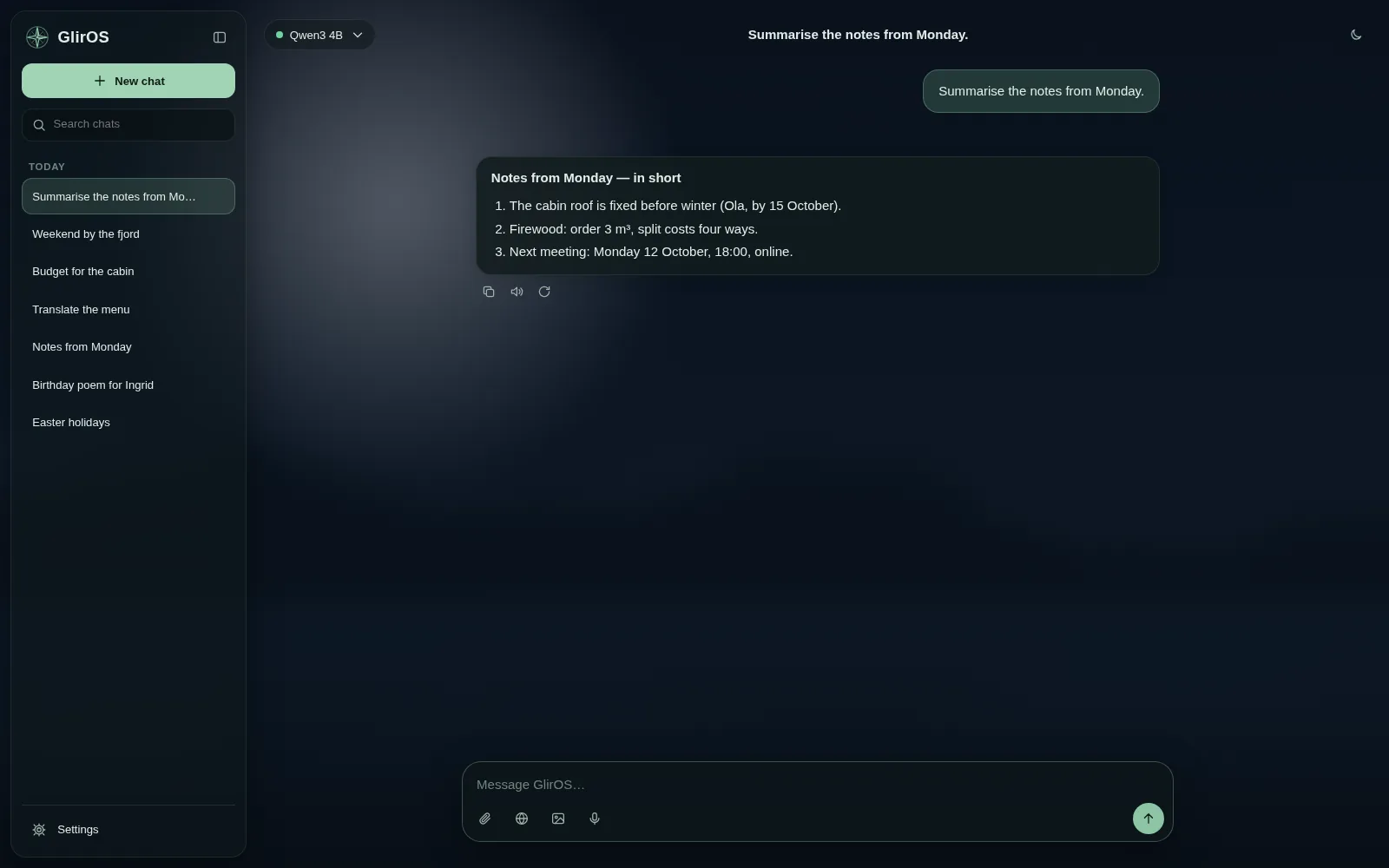
The ⋯ menu on a chat renames, pins or deletes it. New chat starts a fresh one (Ctrl+N). Settings > Chat history deletes every chat in this browser.
With Export chat switched on (Settings > Chat history), the ⋯ menu also exports a chat as a file, for troubleshooting; keys and passwords are left out, and incognito chats can't be exported.
While GlirOS is working you can keep writing: Enter puts the message in a small queue above the message box, and it is sent by itself when GlirOS is done (Send now, Edit or Remove on each); "stop" stops, and "how far are we?" is answered at once. Settings > General sets this (Decide for me, or Always queue).
This guide is the same text GlirOS itself uses to answer questions about GlirOS.