Chatting
Where the settings are
Settings is at the bottom of the sidebar (or Ctrl+,). Its sections are grouped under a few headings, and the choices used less often fold away under Advanced.
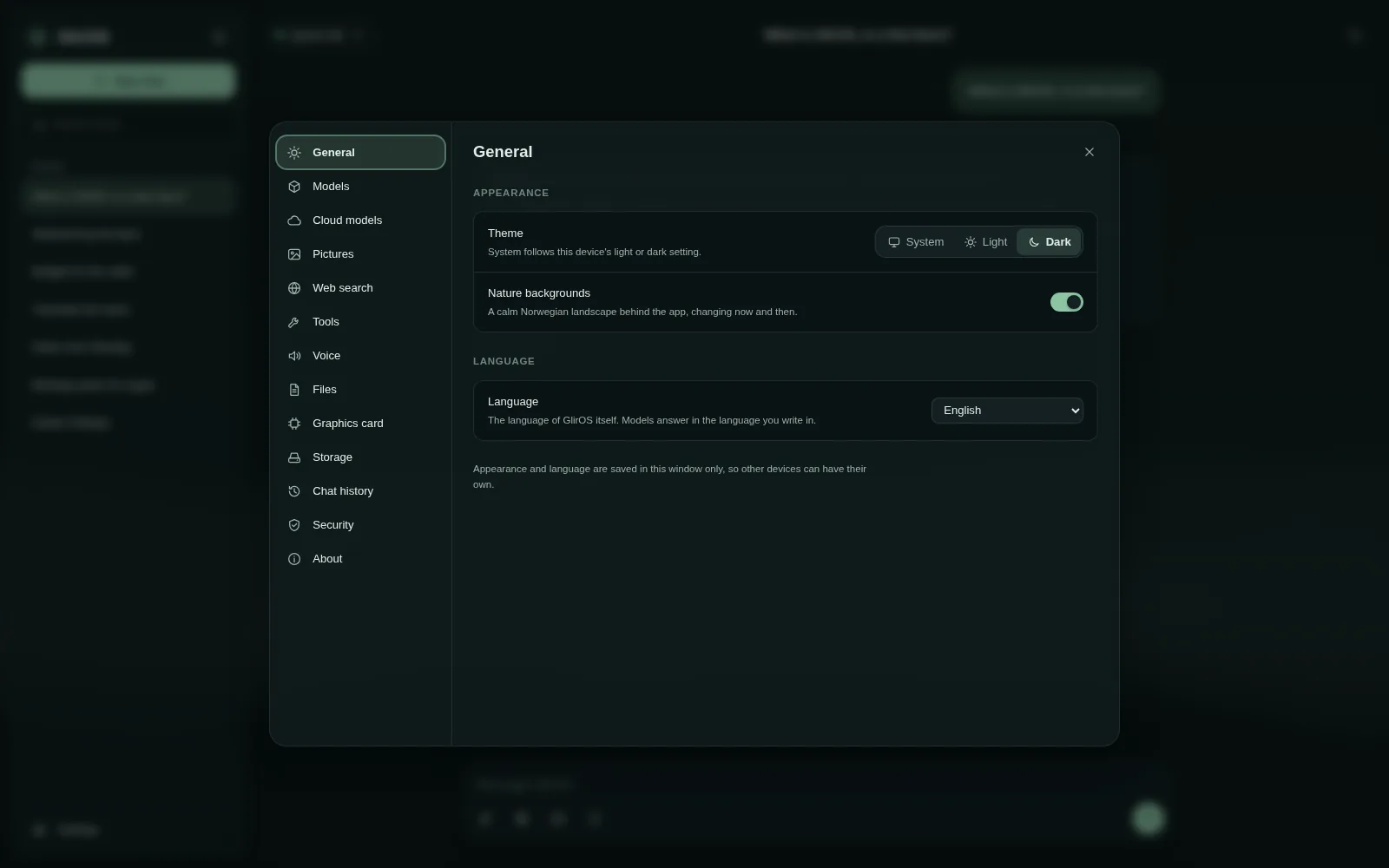
The sections
The headings and their sections:
- General (theme, backgrounds, language, the calendar and your country)
- AI: Models, Benchmark (desktop app), Cloud models, Pictures and Voice
- Tools and web: Tools (switch tools on, with a filter and All / On / Off; the tool catalogue; media), Connectors, Web search and Files (search by meaning)
- This PC: Graphics card, Storage, Backup, Desktop app and Remote access
- Privacy and alerts: Security (block all network traffic, offline chats, incognito chats), Chat history (Export chat) and Notifications
- About (What's new, Send a report, licences)
Advanced choices and light or dark
The choices used less often are under Advanced at the bottom of a section (for example Tools > Advanced: the "/" tool list, your own tools from a file or a link, timers, panels and sharing; Models > Advanced: context size, graphics card layers, importing a model); it stays open once you have opened it. The sun or moon button at the top switches light and dark.
This guide is the same text GlirOS itself uses to answer questions about GlirOS.