Privacy and safety
Security: offline, offline chats and incognito
Settings > Security has three switches.
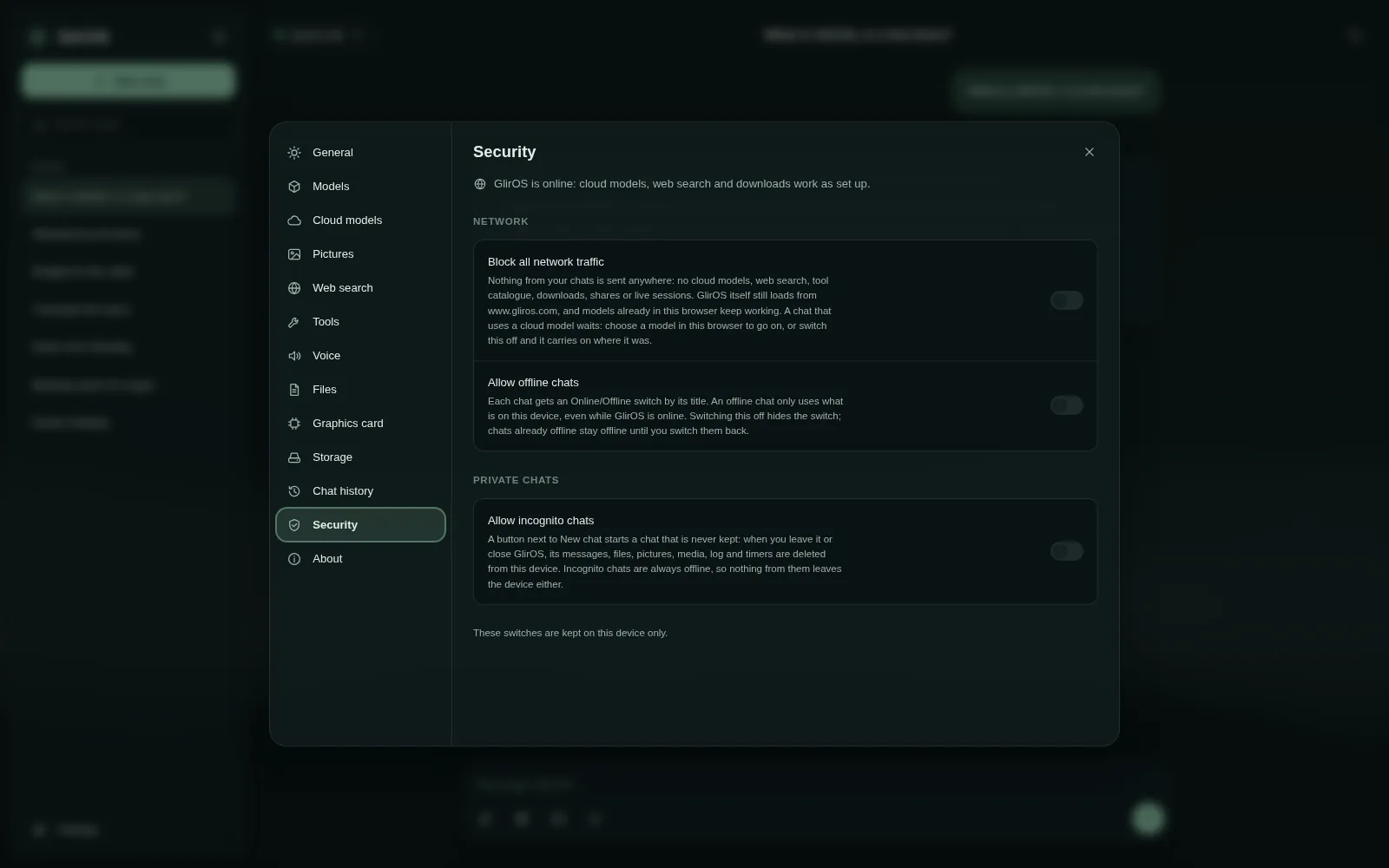
Block all network traffic: GlirOS sends nothing out (no cloud models, web search, catalogue, downloads, shares, live sessions); models and tools already on the device keep working, and chats carry on when it is switched back.
Allow offline chats: each chat gets an Online/Offline chip by its title; an offline chat only uses what is on the device. Allow incognito chats: a button next to New chat starts a chat that is never kept – leaving it (or closing GlirOS) deletes its messages, files, pictures, media, log and timers; incognito chats are always offline.
This guide is the same text GlirOS itself uses to answer questions about GlirOS.