Pictures, video, 3D and voice
Colour grading: warmth, looks and the colour graph
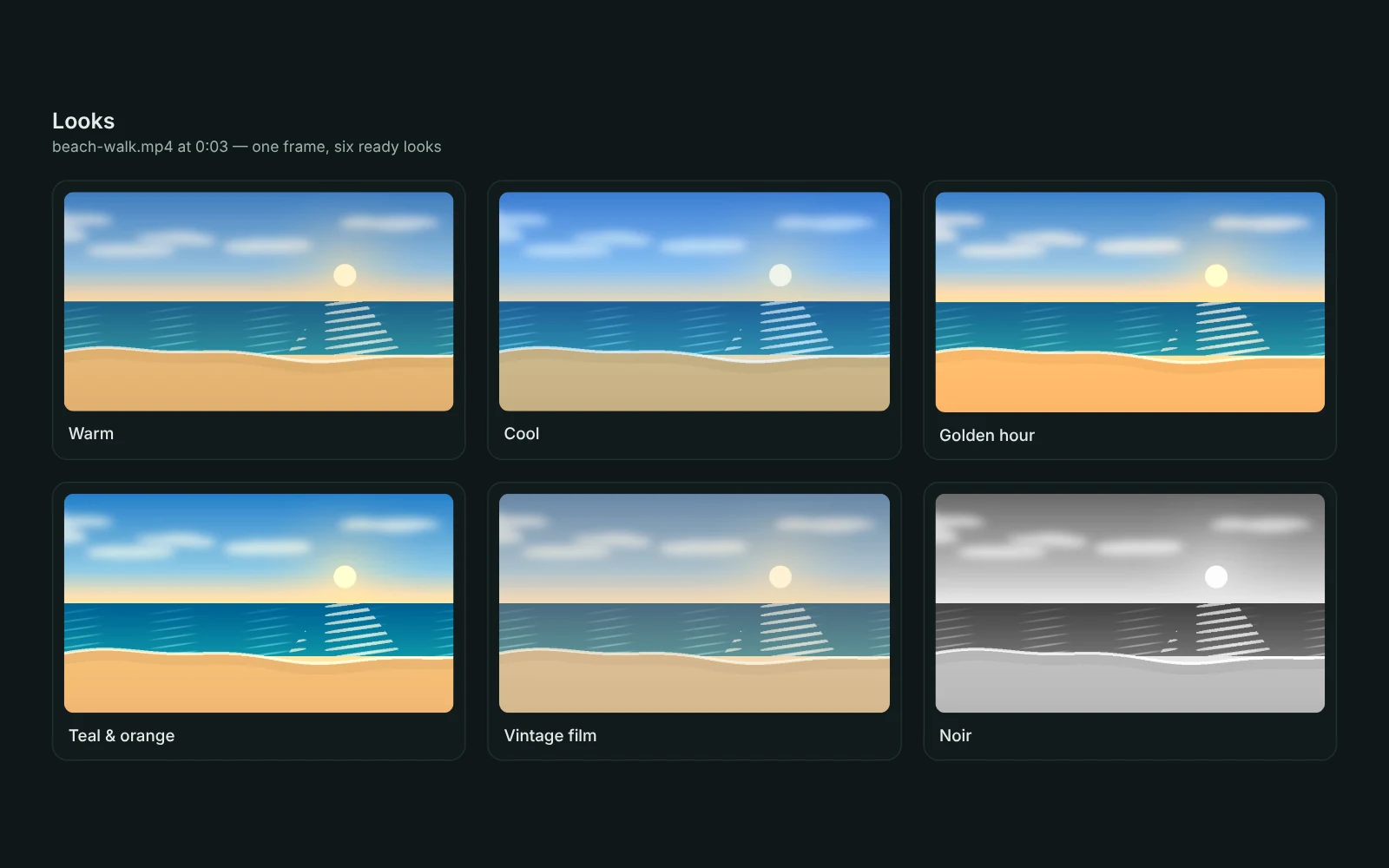
Media Studio's Colour part has Warmth (cooler to warmer), Tint (green to magenta), Fade (lifts the blacks for a soft film look) and Teal & orange (teal shadows, warm lights) next to Brightness, Contrast and Colour, and ten ready looks.
Ready looks and the colour graph
The ten looks are Warm, Cool, Golden hour, Teal & orange, Vintage film, Faded, Moody, Bright & airy, Noir and Vivid. The colour graph at the top shows red, green and blue from dark (left) to light (right) for the frame shown, and moves with every slider; the faint outline is the original. A clip on the timeline has the same sliders and looks in its own Colour and look part.
Asking from the chat
From the chat: "make it warmer", "a bit cooler", "give it a golden hour look", "vintage film look, strong" – with Media Studio open, the sliders glide into place, marked Set by GlirOS with Undo; on a file that isn't open yet (or a picture added to the message), Media Studio opens on it with the look. Nothing is saved until you press Make it.
A look in your own words
A look in your own words ("like a rainy evening in Oslo") goes to the chat model, which sets the sliders. A model that can see pictures looks at the frame (with a cloud model GlirOS asks first, since the picture is sent to the company), and other models get the frame's measured colours.
This guide is the same text GlirOS itself uses to answer questions about GlirOS.