Getting started
Install the web version as an app
The web version can be installed as an app on a phone, a tablet or a PC: it gets its own window and icon, on the home screen or in the Start menu, and your chats stay in that browser as before.
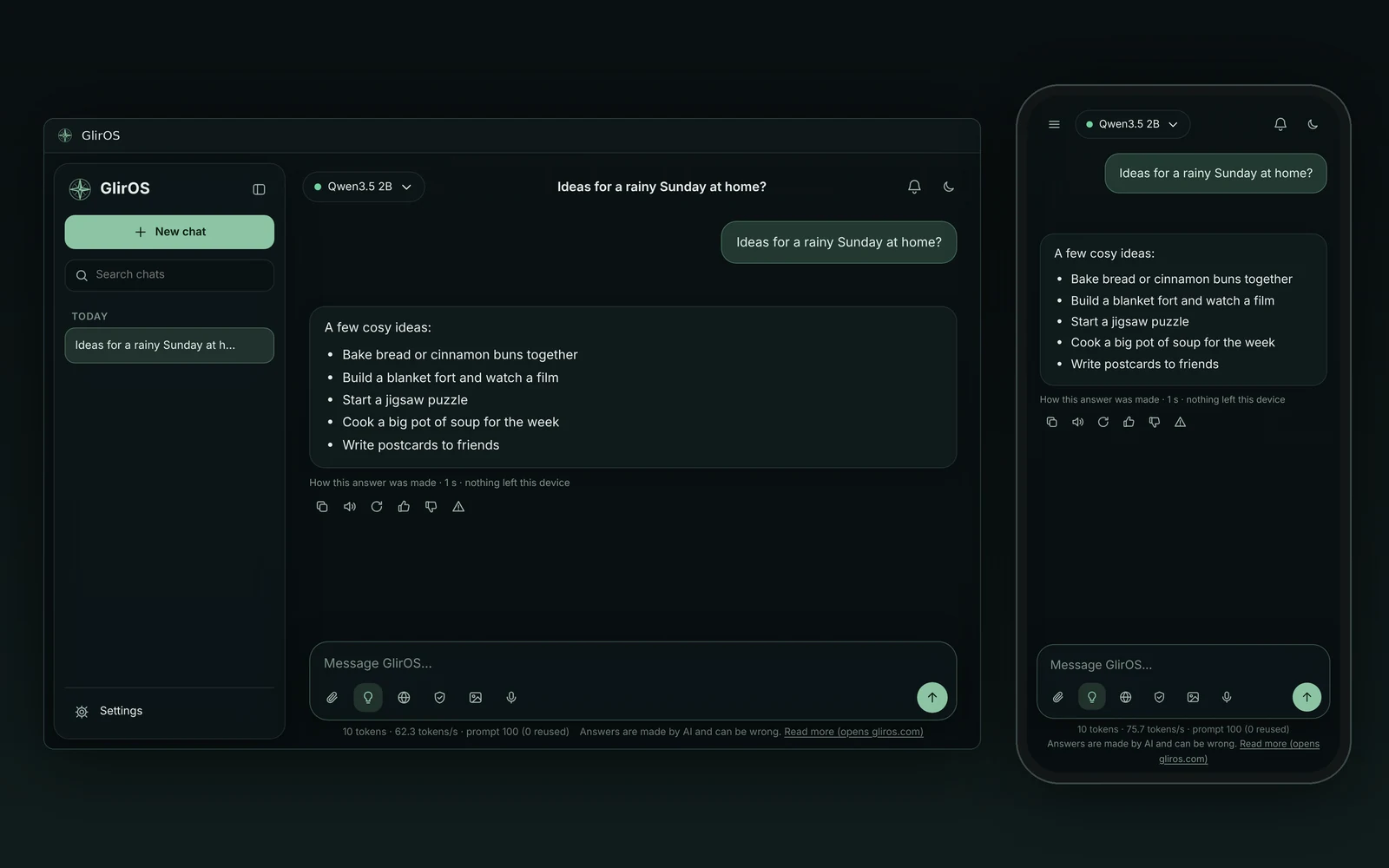
Settings > About > Install as an app has an Install button when the browser offers it, and otherwise says how: in Chrome, the install icon in the address bar or the menu; in Edge, the menu > Apps > Install this site as an app; on an iPhone or iPad, Safari's Share > Add to Home Screen; on Android, Chrome's menu > Install app. It always opens the newest version: nothing is kept back in an old copy.
This guide is the same text GlirOS itself uses to answer questions about GlirOS.